Quick answer
See how a Minecraft Java UUID becomes a stable default Locator Bar Hex color, why equivalent UUID formats match, and which server overrides take priority.
Does every Minecraft UUID have a color?
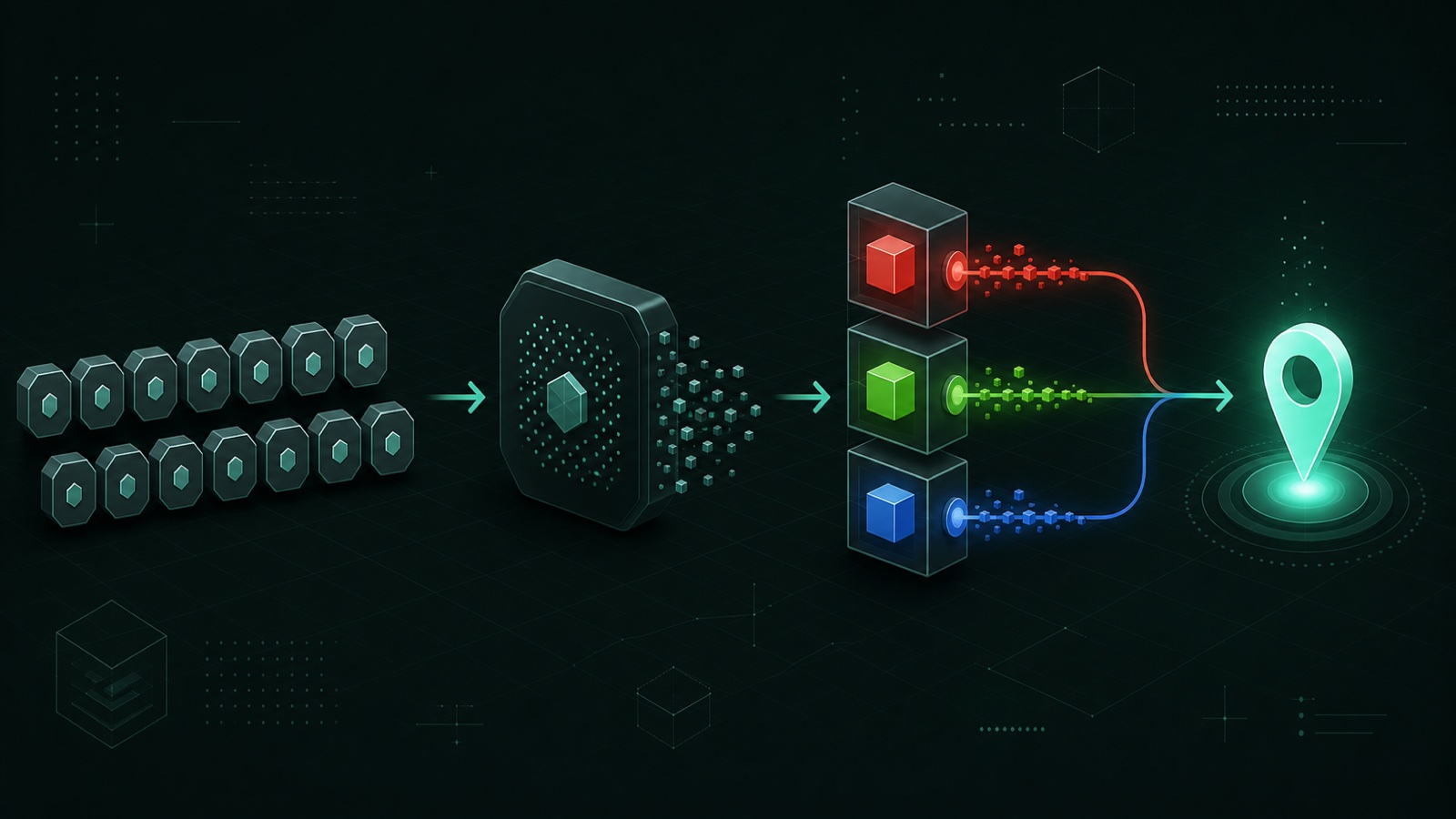
For Locator Bar fallback rendering, a waypoint UUID can be mapped to a repeatable RGB color, so the same normalized UUID returns the same default result.
A UUID does not contain a human-selected color field. Instead, Java code compresses the identifier into a 32-bit hash and derives channel values from that number. This makes the result stable without storing a separate default color for every player.
The official release notes describe default indicators as randomized because colors appear distributed across players. For a particular UUID, however, the calculation is deterministic and can be reproduced outside the game.
Why do dashed and compact UUIDs return the same color?
Hyphens and letter case are formatting differences; normalization converts both strings into the same two 64-bit UUID values before hashing.
The standard form groups characters as 8-4-4-4-12, while the compact form writes all 32 hexadecimal digits together. Uppercase A–F and lowercase a–f represent the same numeric values.
A correct calculator removes accepted separators, validates exactly 32 hexadecimal digits, and reconstructs the same most-significant and least-significant bits. It should not hash the visible text string directly.
123e4567-e89b-12d3-a456-426614174000123e4567e89b12d3a456426614174000Username, online UUID, and Offline UUID: what is the difference?
A username is a readable label, an online-mode Java UUID identifies an authenticated account, and an Offline UUID is a separate server-derived identifier that must not be substituted for the account UUID.
In online mode, a username lookup resolves the public profile UUID attached to the authenticated Java account. That account UUID remains the stable input for this page's standard Locator Bar fallback calculation even if the visible username later changes.
Offline-mode servers can derive a different UUID from the exact username text because no authenticated account profile is available. Capitalization and server configuration matter, so an Offline UUID and an online account UUID can produce different Locator Bar colors for what appears to be the same name.
- Username: readable input that may change.
- Online UUID: stable public identifier for the authenticated Java account.
- Offline UUID: server-derived identity used in offline-mode workflows.
- Do not mix the two UUID types when checking a specific server result.
How is the UUID color calculated?
The UUID is reduced with Java's UUID.hashCode(), the lower RGB bytes are extracted, and each channel is multiplied by 0.9 for the rendered fallback shade.
Java's UUID hash combines the high and low halves of the 128-bit value into a signed 32-bit result. The color stage reads three bytes as red, green, and blue. The client then shades each channel to 90 percent before displaying the waypoint marker.
JavaScript needs careful 64-bit handling to reproduce this exactly. This site uses integer operations rather than ordinary floating-point arithmetic for the UUID halves, then applies the channel transformation and formats the result as #RRGGBB.
- Normalize the UUID to 128 bits.
- Reproduce Java UUID.hashCode() as a signed 32-bit value.
- Extract red, green, and blue bytes.
- Apply the 0.9 channel multiplier used by the renderer.
- Format the final channels as a six-digit Hex color.
A complete Minecraft UUID color example
For UUID 123e4567-e89b-12d3-a456-426614174000, Java UUID.hashCode() produces 1256478162 (0x4AE455D2), and the rendered fallback color is #CD4CBD.
The low RGB bytes of the hash are E4, 55, and D2, which equal 228, 85, and 210. Applying the renderer's 0.9 multiplier and Java-style truncation produces 205, 76, and 189.
Those final channel values format as CD, 4C, and BD, giving #CD4CBD. Load Example 1 in the Finder to reproduce the same normalized UUID, RGB values, Hex output, and marker preview yourself.
123e4567-e89b-12d3-a456-4266141740000x4AE455D2228 · 85 · 210205 · 76 · 189Why can the in-game color differ from the UUID result?
The UUID result is the fallback; a scoreboard team color or a color set with /waypoint can override it.
A calculator cannot inspect the live state of an arbitrary server. It does not know which team the player belongs to, whether an operator changed the waypoint, or whether a plugin modifies the vanilla rules.
When troubleshooting, compare the automatic value first, then check team membership and explicit commands. That order avoids treating a correct UUID calculation as a live server-state detector.
- Confirm whether the server uses the online account UUID or an Offline UUID.
- Check the player's scoreboard team color.
- Check for an explicit /waypoint color command.
- Review plugins, proxies, Geyser, resource packs, and version-specific behavior.
- Use the Finder result as the automatic fallback, not a live server-state reading.
What can I do with the calculated Hex color?
You can copy it for documentation, compare it with a multiplayer palette, or use it as a starting point for a /waypoint color command.
For a small group, several automatic colors may be close enough to confuse at HUD size. Add the values to the Checker to flag exact duplicates and low perceptual distance.
If you choose a clearer alternative, send that Hex value to the Generator. The Minecraft command form omits the # character, and the generator validates the target and syntax before you copy it.
Open the Minecraft Locator Bar Color CheckerSources & verification
References used for this guide
Documented behavior, public identity conventions, and this site's reproducible calculations are kept distinct.